FREE · NO SIGN-UP · YOURS TO KEEP
Design filet crochet charts in your browser
Draw a chart mesh by mesh, convert a picture, or type a name — then edit any square you like. The row-by-row written pattern rewrites itself as you draw. No account, nothing uploaded, every export free.
FILET GRAPHGAN GRIDS LETTERS & NAMES
Plus a library of 44 restored vintage filet patterns — free.
Your chart
Written instructions
From picture to pattern in three steps
- Upload or type. A photo, a silhouette, a monogram — anything with a clear shape works best. High-contrast images convert cleanest.
- Tune the chart. Pick a width in meshes; the converter thresholds your image into open and filled meshes automatically, and you can invert light and dark with one click.
- Crochet it. Download the chart and the written rows — foundation chain counted for you, turning chains included, US terms throughout.
What kind of picture works
Filet has exactly two tones: open mesh or solid block. So the converter asks one question of every pixel — light or dark? Pictures that answer clearly convert well; pictures that answer in shades of grey come out muddy. These are real conversions, made with the tool on this page:
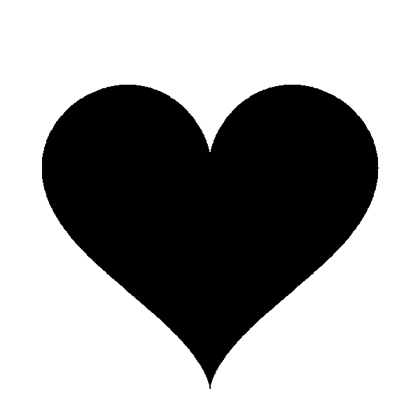
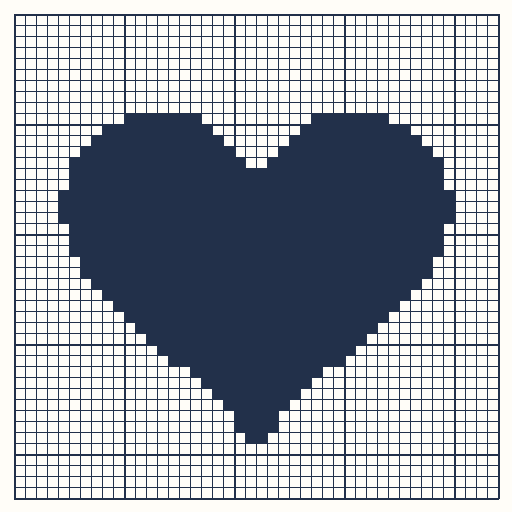
Works well. A clean shape with one hard edge converts almost exactly. Anything you can cut out of black paper will chart like this.
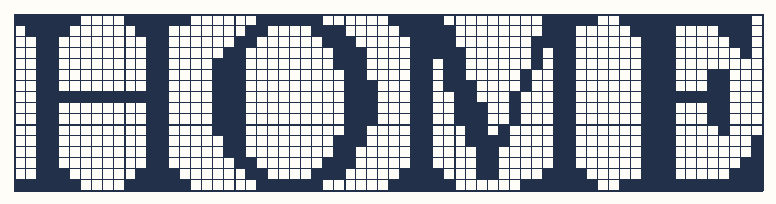
Works well. Words and names are charted from the letter shapes themselves, so they stay readable even at 14–16 meshes tall.
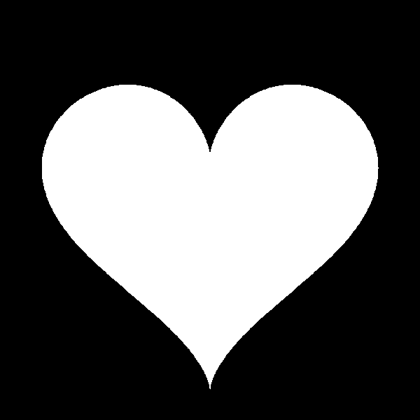
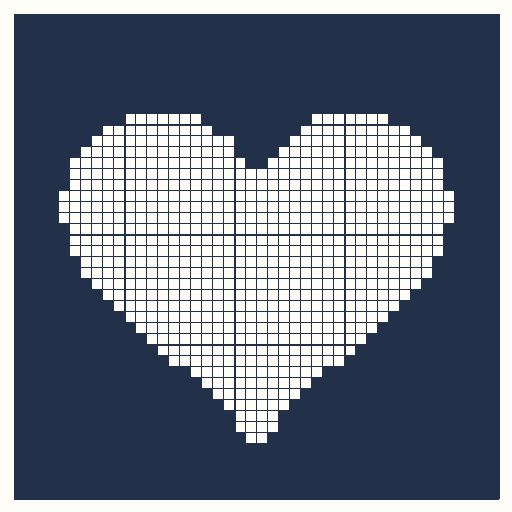
Fixable. The background became the blocks. Tick Invert light/dark and you get the clean heart from the first example — the tool warns you when a chart comes out mostly solid.
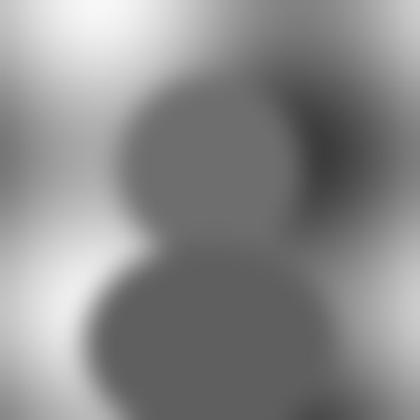
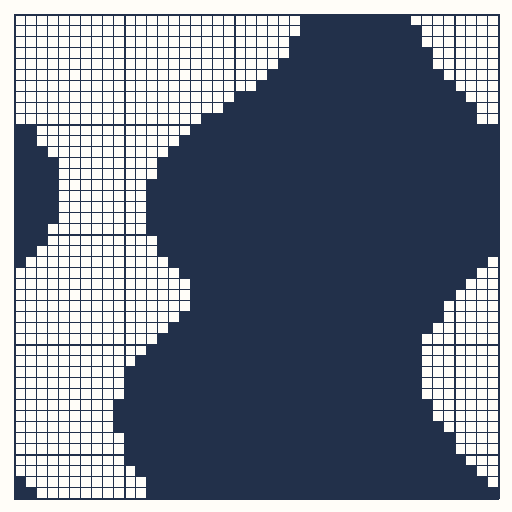
Does not work. Every midtone lands on one side of the threshold, so the shape dissolves. Photographs need to be reduced to a silhouette or line drawing first — filet cannot render shading.
Two more things worth knowing, both tested: a PNG with a transparent background converts fine (transparent areas become open mesh), and very large files are no problem — a 4000 × 3000 photo is scaled down in your browser before charting. A very wide, short picture converts too, but a 2000 × 150 banner is only a handful of rows tall; raise the chart width if you need more detail.
Detail lives in the mesh count, not the file size: 40 meshes is a bookmark-sized motif, 80–100 is a cushion panel.
What you get
Filet crochet builds pictures from just two stitches — chains and double crochet — arranged as a grid of open meshes (dc, ch 2, skip 2) and filled meshes (3 dc). Because the fabric is a grid, any grid can become crochet: that is what this tool does. It converts your picture into meshes, then writes the pattern the way a printed book would — run by run, row by row, with the foundation chain calculated (3 × width + 1, plus 3 or 5 turning chains depending on whether your first mesh is filled or open, the standard modern convention).
The written rows follow working order: odd rows are read right to left on the chart, even rows left to right. If you are new to reading charts, the guide on how to read filet crochet charts walks through a worked example from our vintage library.
One honest note on sizing: filet gauge is personal. The same chart comes out bigger or smaller depending on your thread, hook and tension, and many crocheters find their meshes come out slightly wider than tall. Work a small swatch, measure it, and scale from there — the how to filet crochet guide shows how.
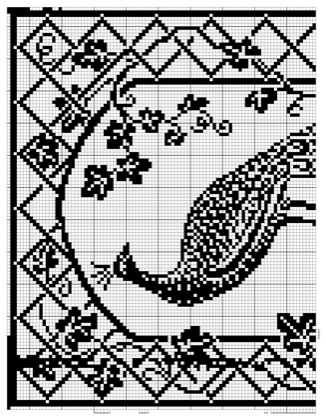
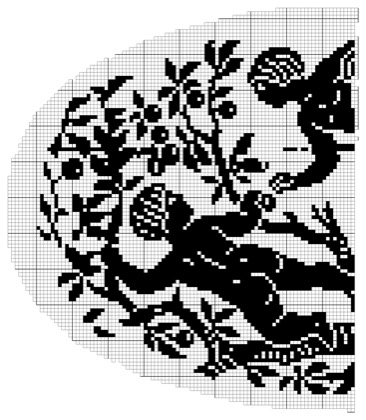
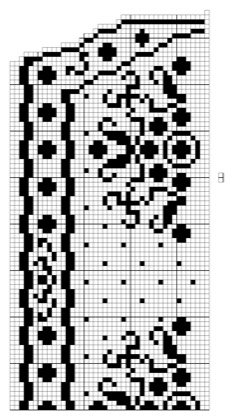
Or start from the vintage library
Questions, answered
Yes. Charts, written instructions and the vintage library are free to download, no account needed.
No. The converter runs entirely in your browser — the image is read locally and never sent to a server.
Silhouettes, line art, logos, lettering — anything with clear light-dark contrast. Busy photos work, but simplify: filet is a two-tone medium, like a stamp.
Items you crochet from our vintage charts are yours to sell — the 1914 source book is in the public domain. Charts you generate from your own images are yours too.
About these patterns. Crochetpatternmaker.com is an independent site. The vintage charts in our library are restored from The Priscilla Filet Crochet Book, No. 2 (Priscilla Publishing Company, Boston, 1914), a work in the public domain; we re-charted each design from the original plates and cross-checked it against the printed mesh counts. We are not affiliated with any past or present publisher. The chart maker runs entirely in your browser — images you upload never leave your device. Finished sizes are estimates: filet gauge depends on your thread, hook and tension, so work a small swatch first.